
Introduction
The Hang Seng University of Hong Kong Library has launched a 3D Scanner Loan Service for library users. The 3D scanner helps users to create digital models of physical objects. This guide will introduce the basic steps of using the 3D Scanner.
Loan Details
For details of the loan service, please see ‘Digital Equipment Loan Service‘.
Equipment Overview
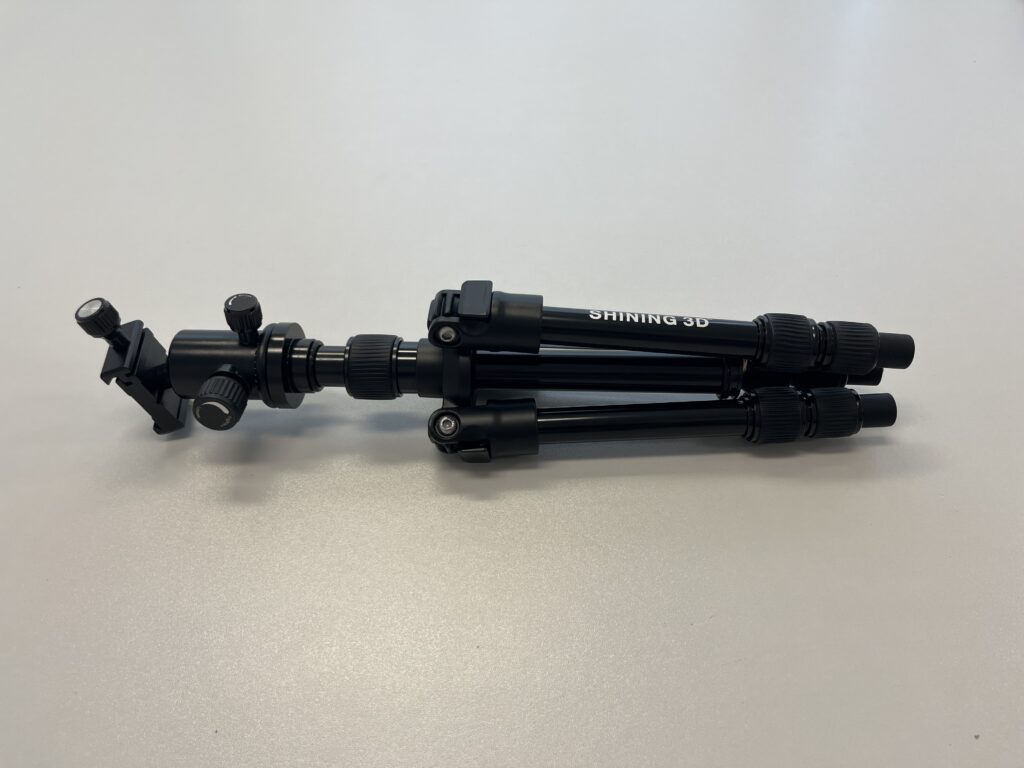
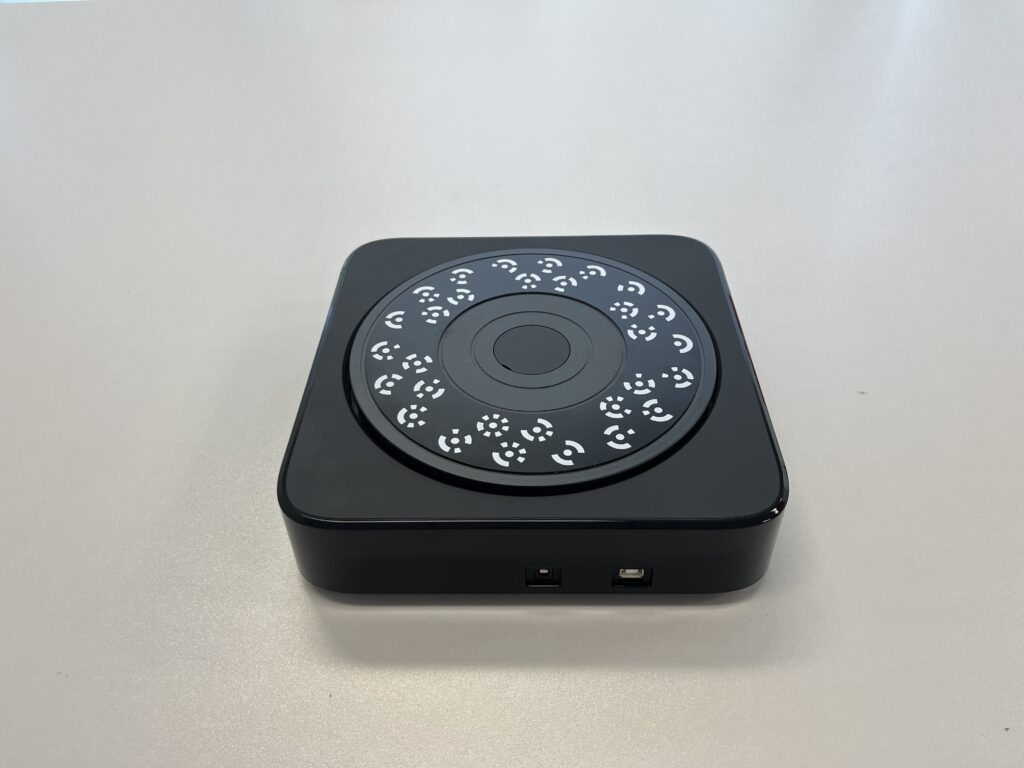
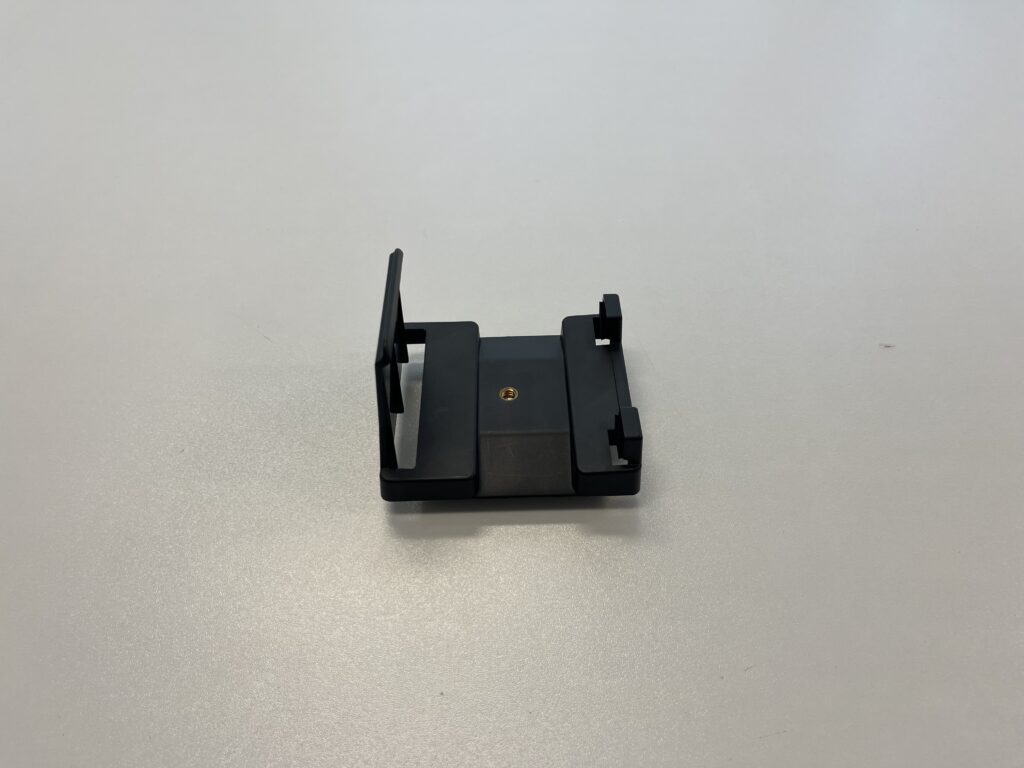
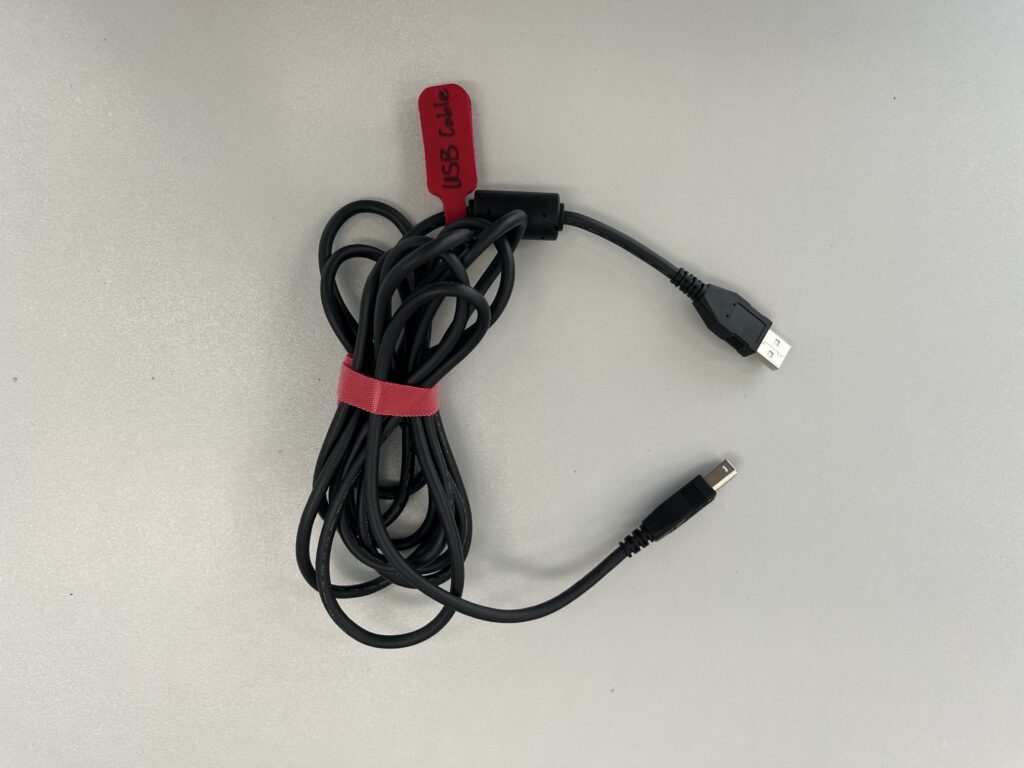
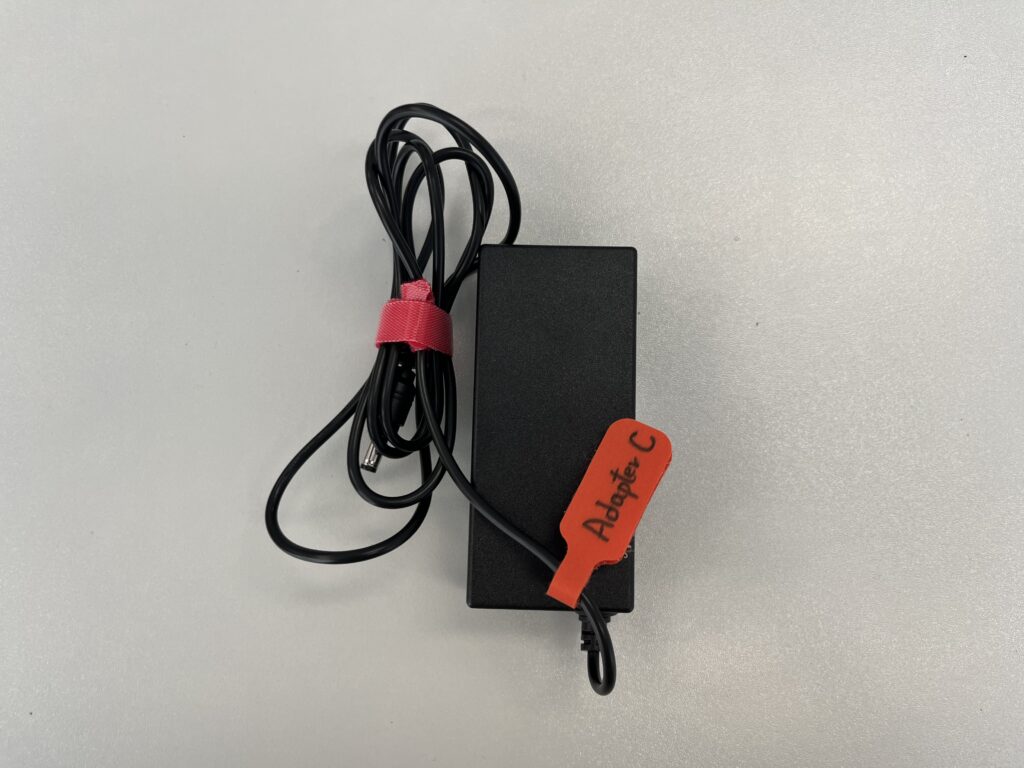
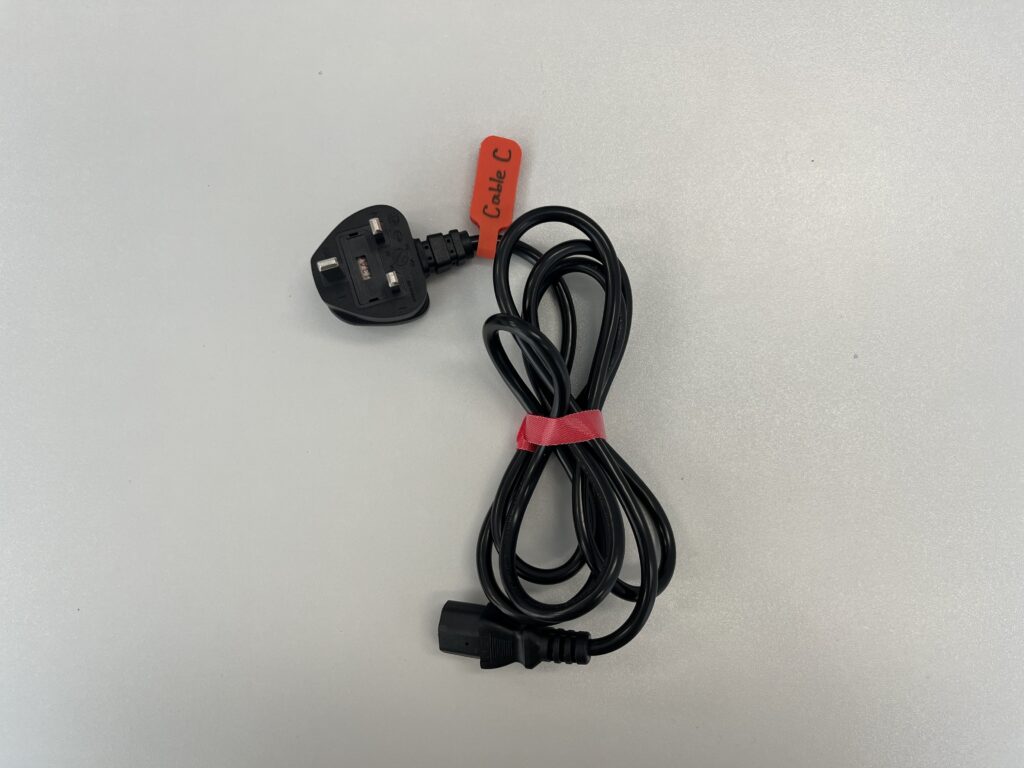
The 3D Scanner, laptop and other necessary items are stored in a movable suitcase with 3 layers:
1st Layer
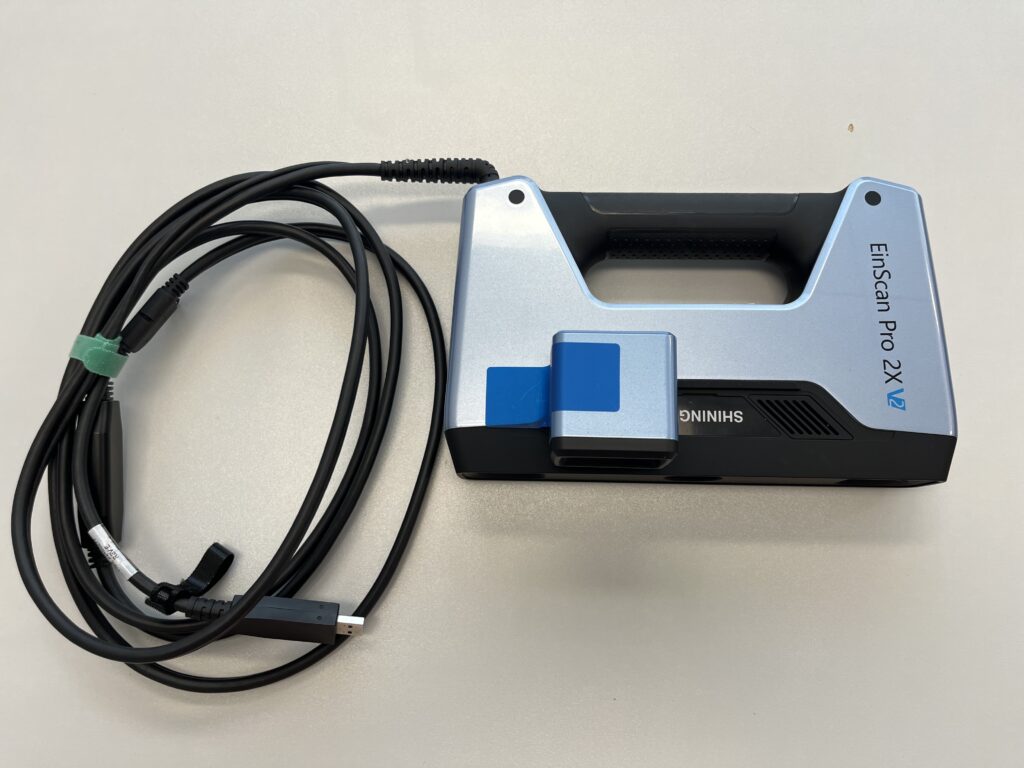
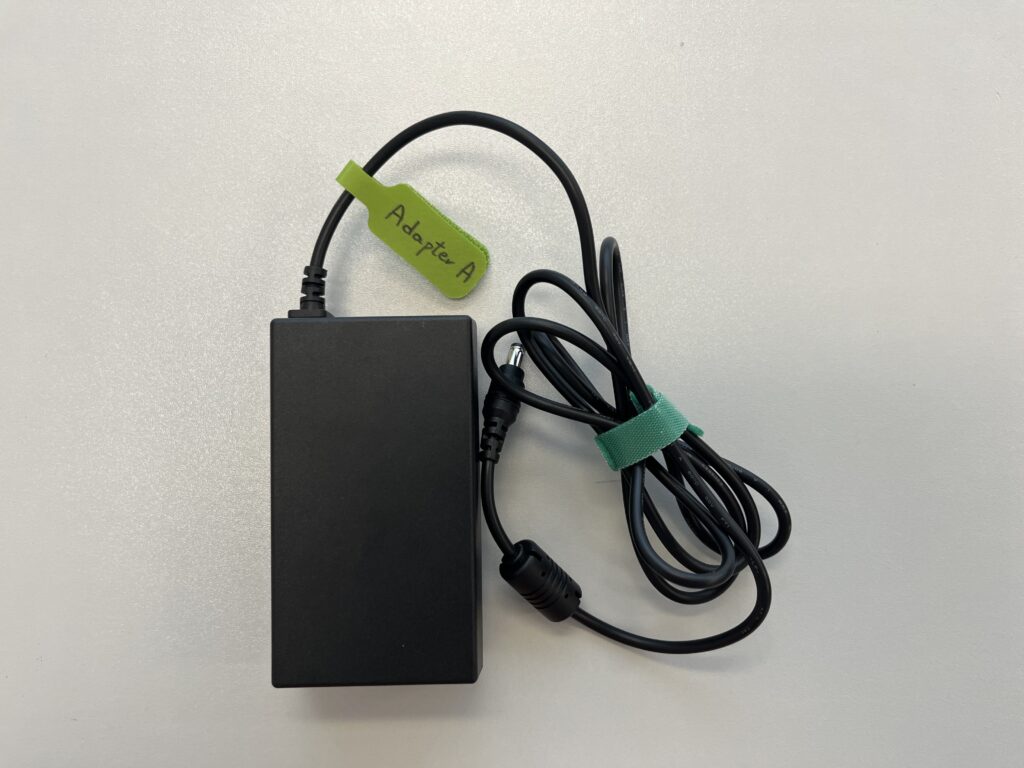
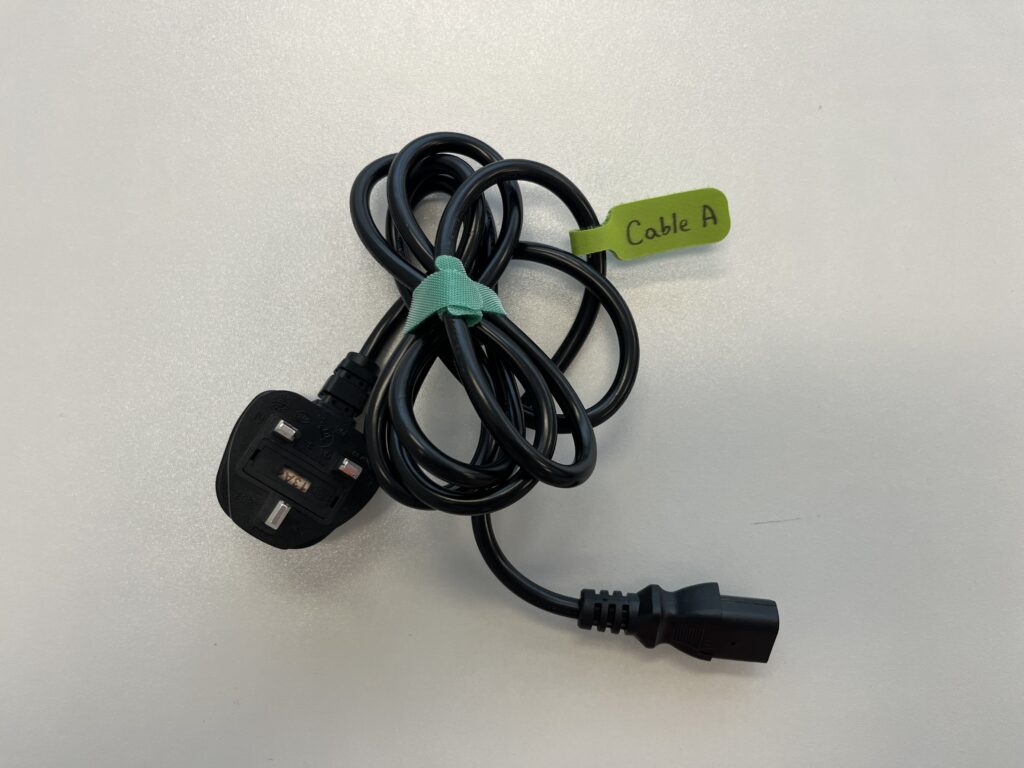
2nd Layer
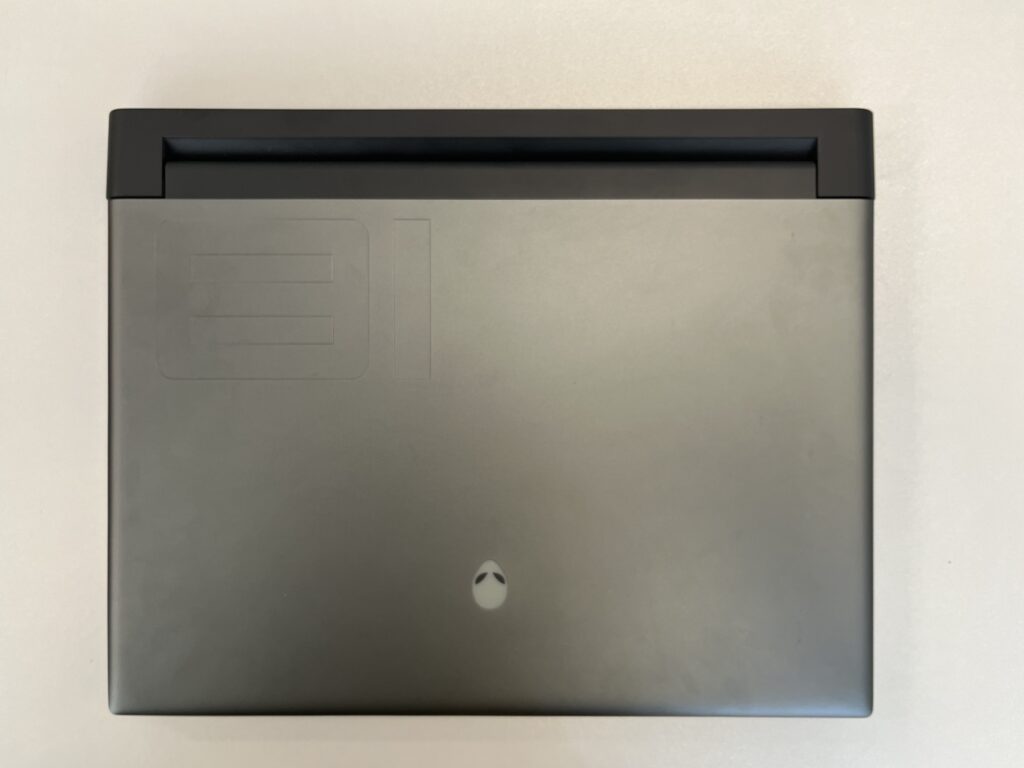
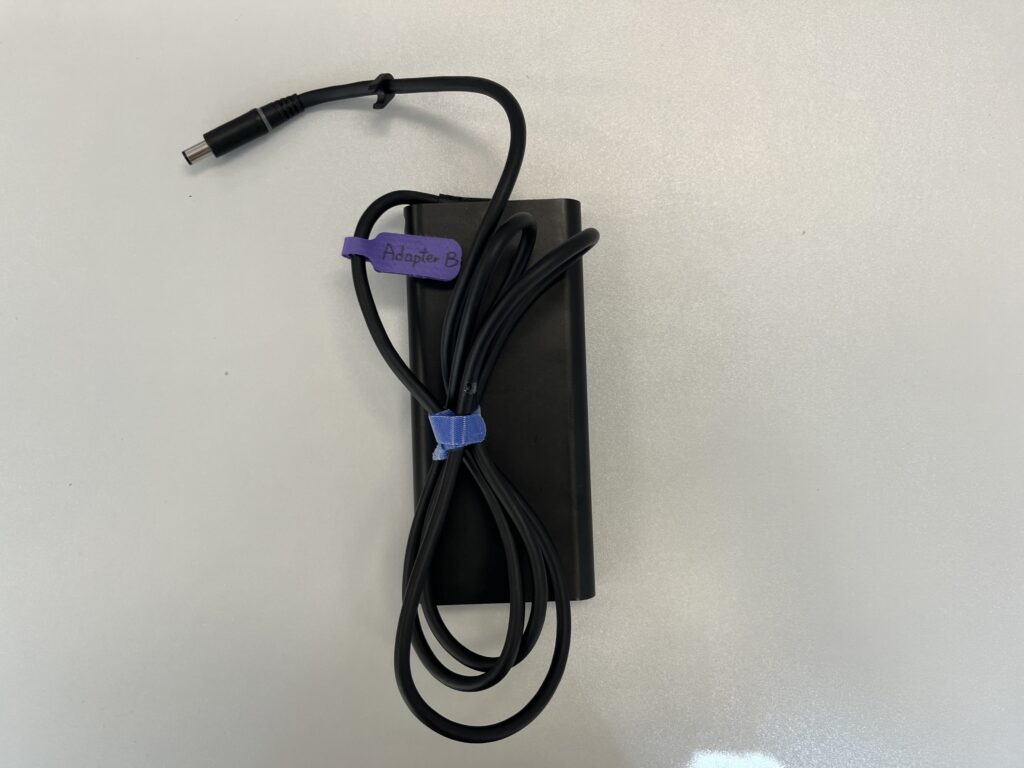
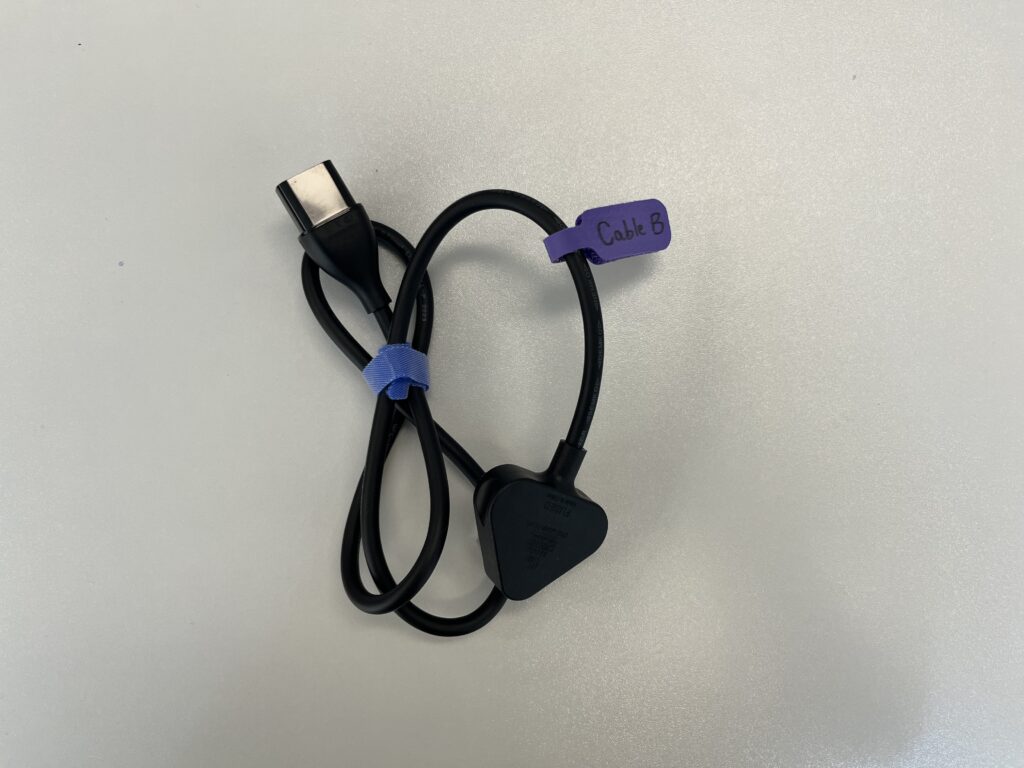
3rd Layer
Before Scanning
1. Prepare the Object
Select a target object and clean it to ensure that it is free of dust and fingerprints.
Avoid scanning:
- Moving or vibrating objects
- Shinny objects
- Objects that are transparent or dark in colour
2. Decide the Scan Mode
Choose the appropriate scanning mode based on object size:
Fixed Scan:
- For small to medium-sized objects (ranging from 3*3*3cm to 15*15*15cm)
- Maximum weight: 5 kg
Handheld Scan:
- For medium to large-sized objects (ranging from 15*15*15cm to a length of 4 meters)
3. Setup procedures
a) Laptop
b) Scanner to Laptop
c) Turntable to Laptop (For Fixed Scan)
d) Tripod (For Fixed Scan)
Procedures
- Scanning Procedures in Fixed Scan Mode (Recommended)
- Scanning Procedures in Handheld Scan Mode (Recommended)
- Official user manual (For advanced user)
- Quick start guide
Last update: March 2026