How can we help?
How can I print documents in the Library?
Table of Contents
All-in-one printers are on every floor, you can print documents via Library computers or your own device:
| On a Library computer | On your own device |
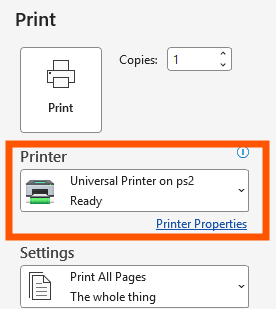
| 1. Open your file and click “Print” (For MS Office files: click “Files” > “Print”)
2. Choose “Universal Printer” and then click “Print” |
1. Connect the HSUHK-WIFI or HSU-RC Wi-Fi
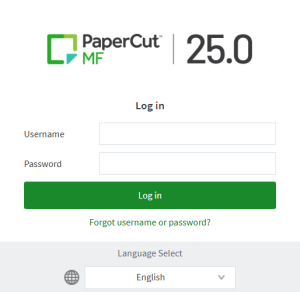
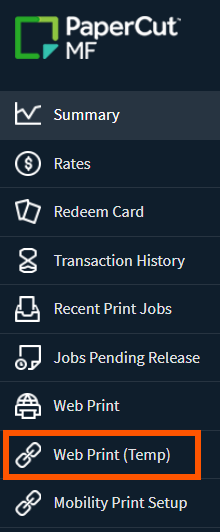
2. Go to https://pcmf.hsu.edu.hk and log in 3. Choose Web Print (Temp) on the left
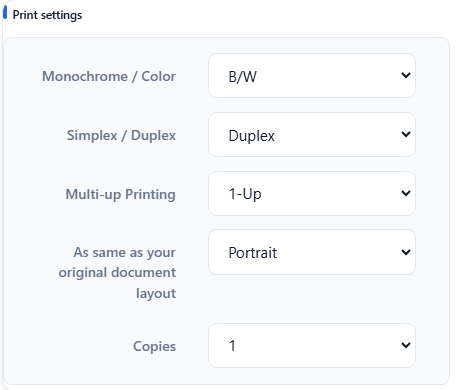
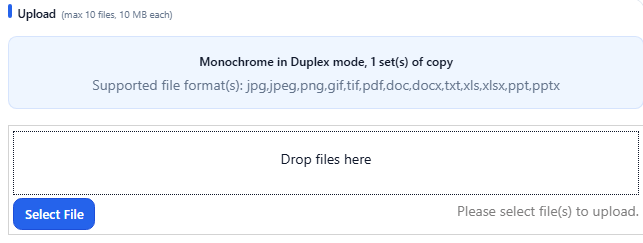
4. Set the printing options 5. Select file to print |
In any printer
1. Tap your Student / Staff Card on printer’s card reader
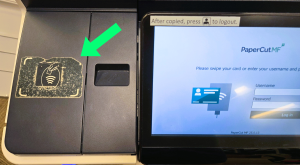
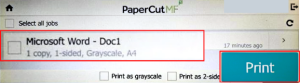
2. Choose “PaperCut”, then “Print Release”

3. Choose the file and then “Print”